A website that "looks nice" isn't enough. An effective website is one that actually achieves a business goal – it sells, generates inquiries, and builds trust in the brand. In this article, we look at the specific factors that determine whether your website truly works for your business, rather than ...
Articles tagged "WordPress"
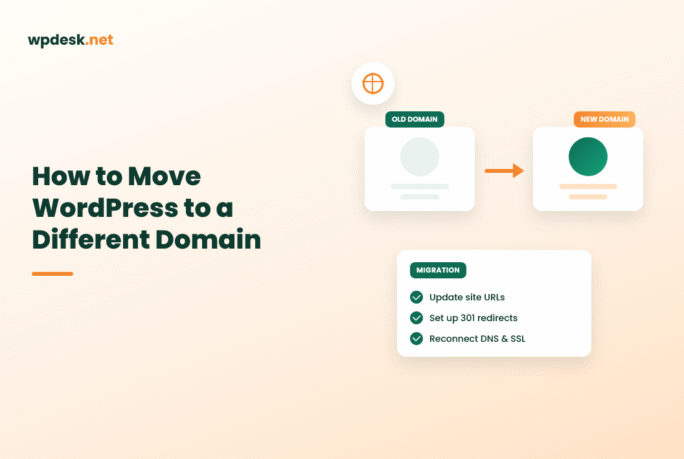
How to Move WordPress to a Different Domain – A Practical Guide
Changing your domain is one of the riskier technical operations you can perform on a WordPress site – unlike a simple server migration, this one directly affects your visibility in Google. A poorly executed domain change can wipe out years of SEO work within days. In this article, we walk through ...
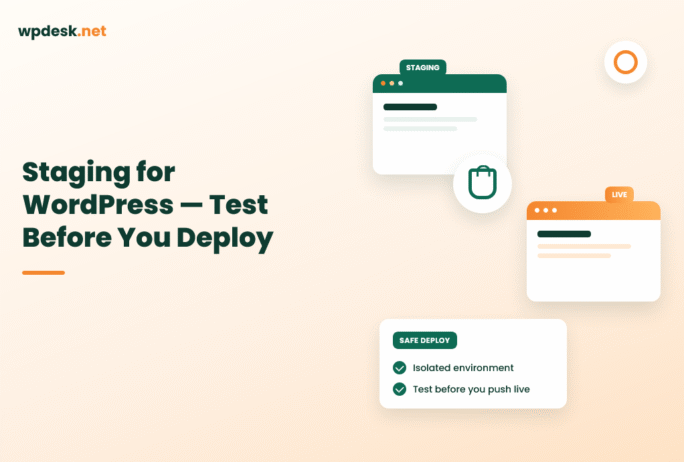
Staging for WooCommerce – how to safely test store changes before customers see them
A WooCommerce update pushed on a Friday evening. A new theme deployed in a hurry right before a weekend sale. A payment gateway swapped without checking it first. Each of these can go fine – or the cart can stop working, checkout can fail, and customers can end up staring at a white screen instead ...
How to Automatically Fill WooCommerce Product Yoast SEO fields?
Imagine managing a large WooCommerce store where every product is perfectly optimized for Google without touching each page manually. In this guide, you will learn how to automatically fill WooCommerce product Yoast SEO fields using data from an XML feed, so your titles and descriptions update ...

Why "WordPress Care" is the Secret Weapon of High-Growth Businesses
You’ve built your site, your plugins from WP Desk are firing on all cylinders, and your traffic is growing. Life is good. But then, it happens: a core update conflicts with a theme, a checkout page slows to a crawl, or a security vulnerability makes headlines. Suddenly, you’re not a CEO or a ...
How to fix a plugin update issue in WordPress – case study
Properly updating plugins in WordPress is one of the cornerstones of maintaining a stable and secure online store. However, issues may occasionally arise that are difficult to resolve on your own — even when following official documentation. In this case study, we’ll walk you through identifying and ...
Customize the WooCommerce Checkout Page: Top Tips for a Seamless Experience
I don’t have to convince you that the checkout page is one of the most important parts of every WooCommerce store. The possibility to fully adjust it is a must for most store owners. Let’s find out what are the additional possibilities, and how to add custom fields to the classic WooCommerce ...

Professional WordPress design and development (learning, tools & plugins)
You can find a lot of books about professional WordPress design and development. There are also courses, videos, and tutorials on how to excel in designing or developing websites on WordPress. Today, I will give you a list of important things a professional should bear in mind when diving into ...
WooCommerce Product Configurator with a free WordPress plugin!
Did you know you can sell products in WordPress using WooCommerce - a free plugin? What's more, you may also let customers decide about the features with a configurable WooCommerce product. Because the WordPress product configurator is the WooCommerce Product Configurator. Don't bother about the ...

WooCommerce Extra Product Options - power up your products with one plugin
In this guide, I'll show you how to configure WooCommerce extra product options, add custom fields, and show multiple options with a FREE plugin! The free version includes checkboxes, selects and text fields; date pickers, file uploads, conditional logic and additional pricing require PRO. Learn how ...
