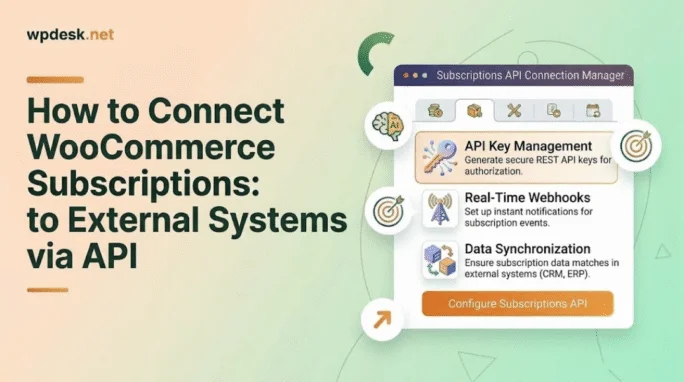
A subscription store sends the same data to several systems every month, and copying it by hand stops working long before the store gets big. This guide covers how to connect WooCommerce subscriptions to other systems, what to settle before the first API call and how to notice when the integration ...
Articles tagged "woocommerce subscriptions"
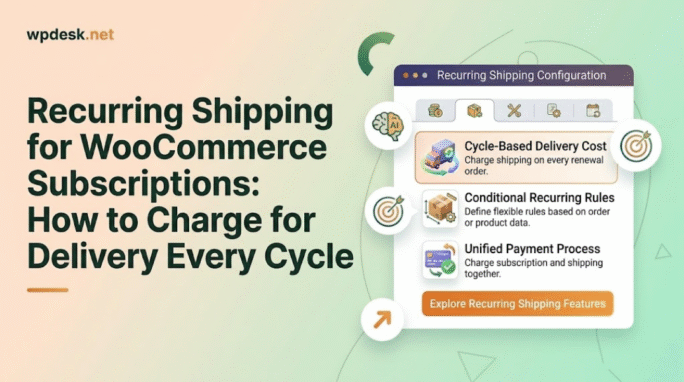
Recurring Shipping for WooCommerce Subscriptions: How to Charge for Delivery Every Cycle
To charge shipping on every WooCommerce subscription renewal, add the Recurring Shipping add-on for Flexible Subscriptions and give delivery its own schedule, separate from the billing cycle. That separation is the whole point: a quarterly payment can cover three monthly shipments, so the shipping ...

How to Sell Subscriptions with a One-Time Setup Fee in WooCommerce
To sell a subscription for only some variations of a WooCommerce product, build the item as a variable product and add the One-Time Payment add-on for Flexible Subscriptions, which enables recurring billing on the variations you pick and leaves the rest as ordinary one-time purchases. One product ...
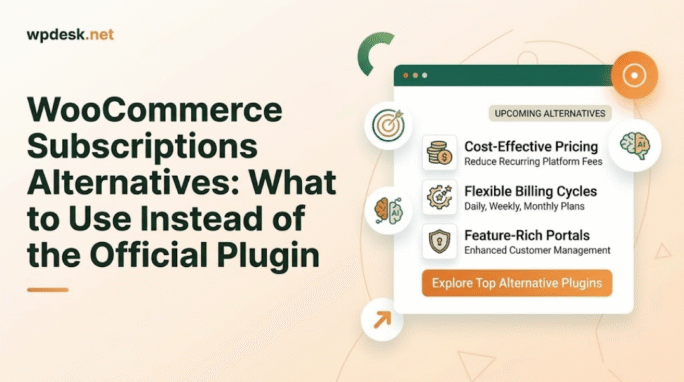
WooCommerce Subscriptions Alternatives: What to Use Instead of the Official Plugin
The main free alternative to the official WooCommerce Subscriptions extension is Flexible Subscriptions, which creates subscription products, generates renewal orders and supports both the classic and block checkout, with paid add-ons for retries, recurring shipping, stock control, variations and ...
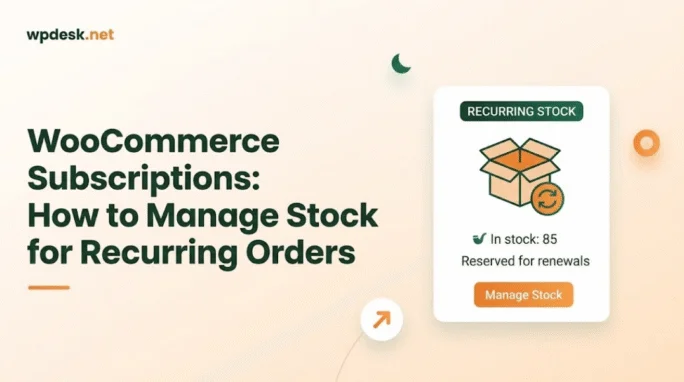
WooCommerce Subscriptions: How to Manage Stock for Recurring Orders
WooCommerce does not check stock when a subscription renews. The renewal order is created from a schedule, and nothing in that process looks at the warehouse. To fix it, enable stock tracking on your subscription products and add the Stock Management add-on for Flexible Subscriptions, which can ...
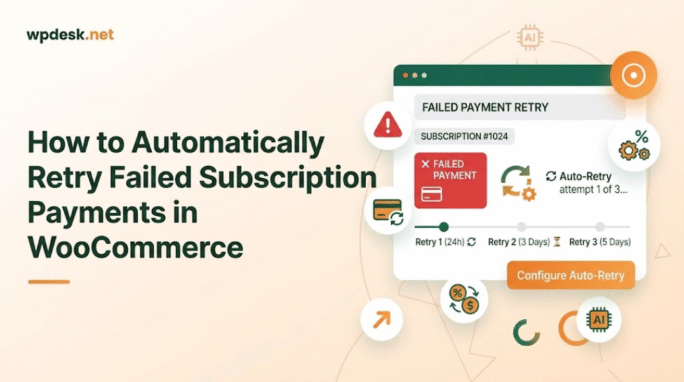
How to Automatically Retry Failed Subscription Payments in WooCommerce
To retry failed subscription payments in WooCommerce, install Flexible Subscriptions with the Payment Retry add-on and set three or four attempts spread across days rather than hours. Three, five and seven days after the first failure works for most stores. Keep access active through the first ...
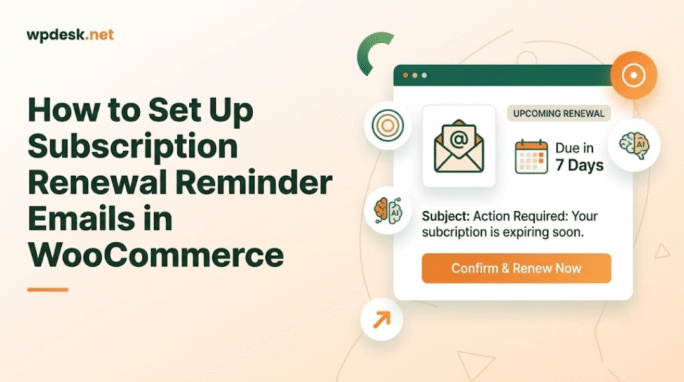
How to Set Up Subscription Renewal Reminder Emails in WooCommerce
To send renewal reminder emails in WooCommerce, install Flexible Subscriptions and add the Emails add-on, then set the reminder to fire seven days before renewal for monthly plans and fourteen to thirty days for annual ones. The message needs three facts in the first line: the amount, the charge ...
