

All online store owners know the importance of GDPR. In this article, I’ll show you how to add a WooCommerce terms and conditions checkbox on the checkout page with one of our plugins, Flexible Checkout Fields, to be GDPR compliant!
Contents
- GDPR in short
- Add the terms and condition checkbox to the WooCommerce checkout
- Summary & more about the plugin
- FAQ
- Does WooCommerce have a built-in terms and conditions checkbox?
- Can I combine the terms, the privacy policy and marketing consent in one checkbox?
- Should the privacy policy checkbox be required?
- Where is the consent stored after the order is placed?
- Can the checkbox appear below the payment methods?
- Can I use HTML in the checkbox label?
- Does this work with the block checkout?
- What happens if the customer does not tick a required checkbox?
- Related Articles
- Adjust Your WooCommerce Store Checkout to GDPR
- Customize the WooCommerce Checkout Page: Top Tips for a Seamless Experience
- WooCommerce Checkout - Settings, Shortcode & Configuration Guide
- How to Add and Display WooCommerce Custom Fields on the Checkout & Order Pages
- Customize the WooCommerce Checkout Page: Tips & Tools for Success
Download Flexible Checkout Fields
Flexible Checkout Fields WooCommerce
Add WooCommerce terms and conditions checkbox with Flexible Checkout Fields. Customize the WooCommerce checkout form easily!
💾 Active Installations: 80,000+ | WordPress Rating:
Watch this video to see what this plugin can do with your checkout form:
GDPR in short
Since WooCommerce 3.4 many GDPR-oriented features were applied. Now you can set a privacy policy, and export and delete user data from the WooCommerce dashboard. All these features are handy, but in some cases, they are not enough. Sometimes you have to use external plugins.
Add the terms and condition checkbox to the WooCommerce checkout
Flexible Checkout Fields is our most popular plugin💙. Over 80,000 stores use it.
You can add new fields on the WooCommerce checkout page, on the My account page, and in emails. These features can help you to make your WooCommerce store GDPR compliant!
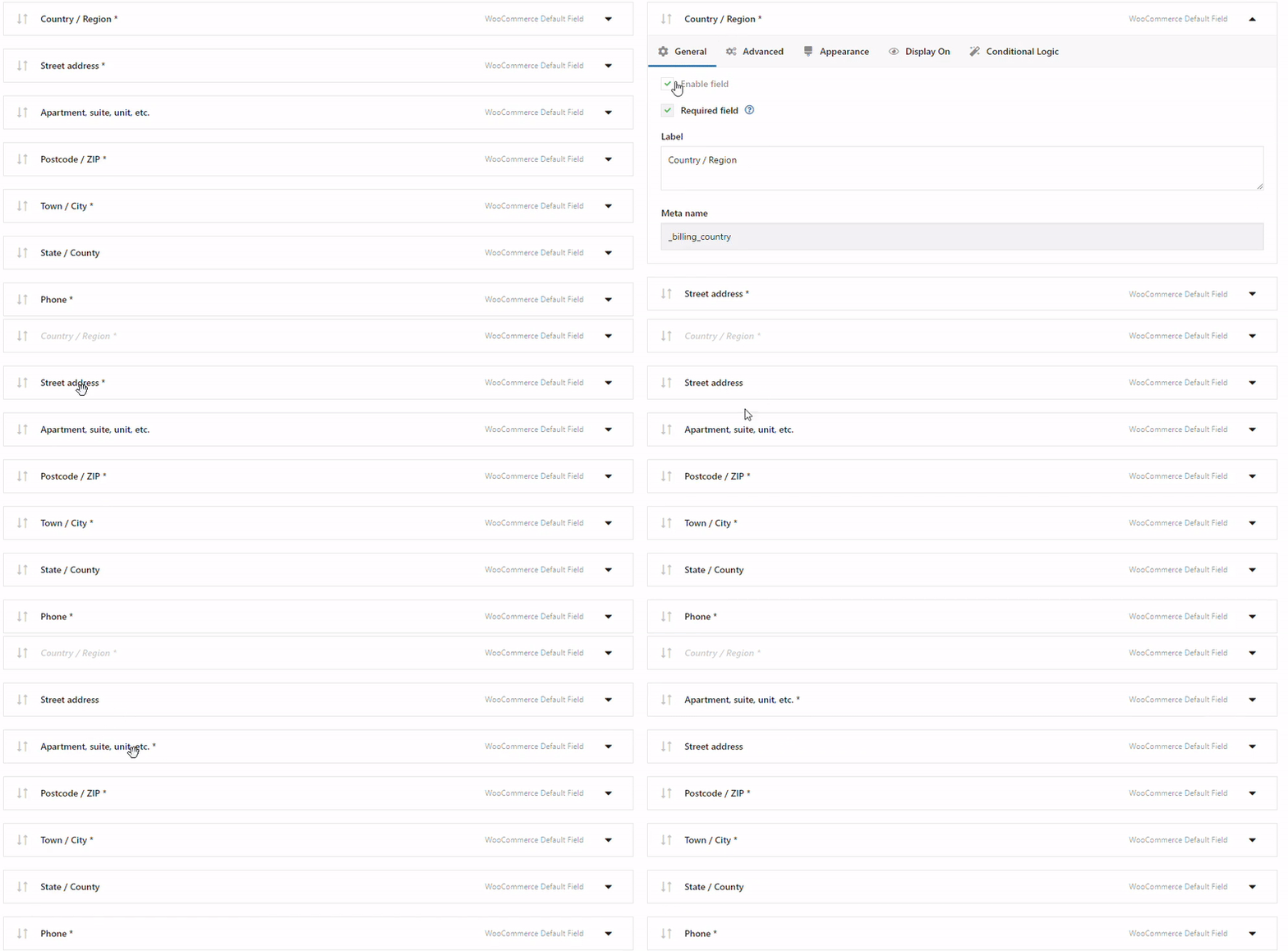
👇🏽Have a look at some of the features to be found in the Flexible Checkout Fields plugin:
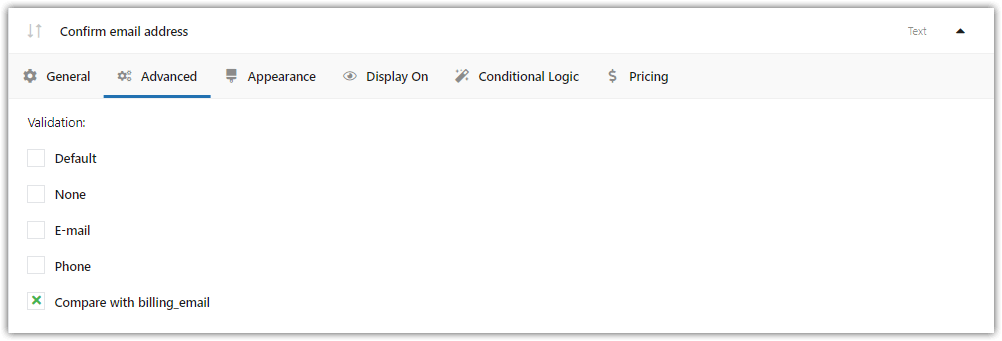
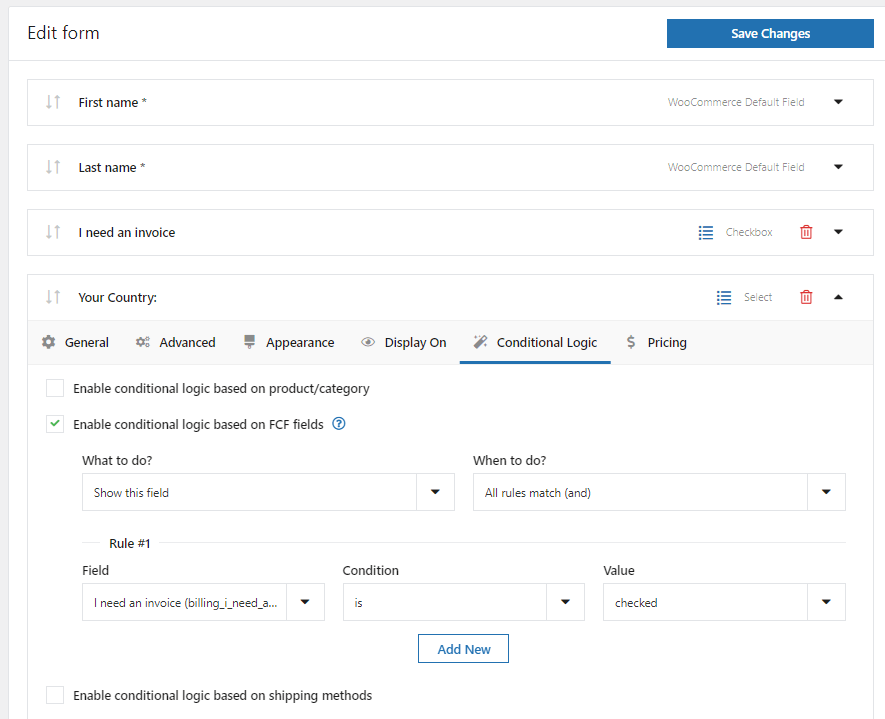
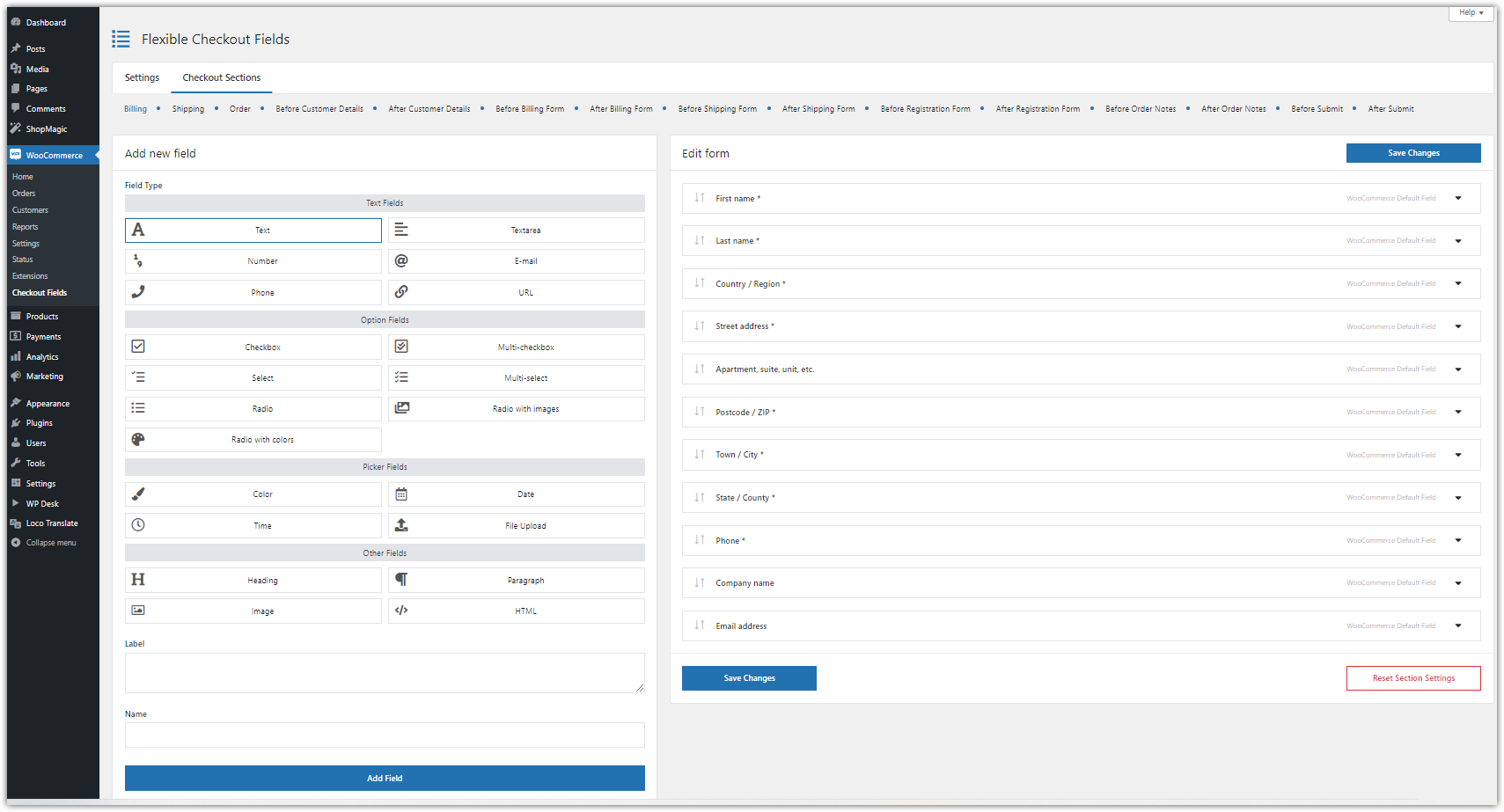
⭐ Get PRO to add a new checkbox in new checkout sections
How to add GDPR consent in WooCommerce checkout with Flexible Checkout Fields?
The best way is to use a ✅ checkbox with consent.
To do that you’ll need to add a checkbox field, which is available in the FREE version of Flexible Checkout Fields.
Steps to add the terms and conditions checkout in the WooCommerce checkout
-
Install the plugin
Download Flexible Checkout Fields Plugin for free →After activating Flexible Checkout Fields, go to WooCommerce → Checkout Fields → Settings.
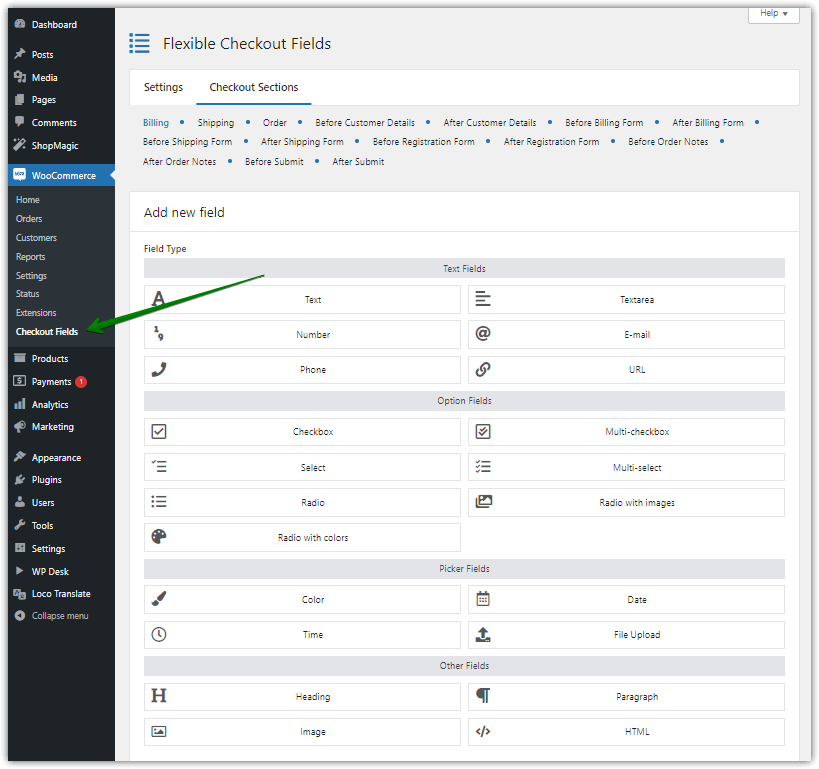
Customize the WooCommerce checkout page with Flexible Checkout Fields -
Enable a new checkout section
In Custom Sections select Before Submit and click on Save Changes. If you want to add your GDPR consent checkbox in another WooCommerce checkout section, just choose one of the listed below.
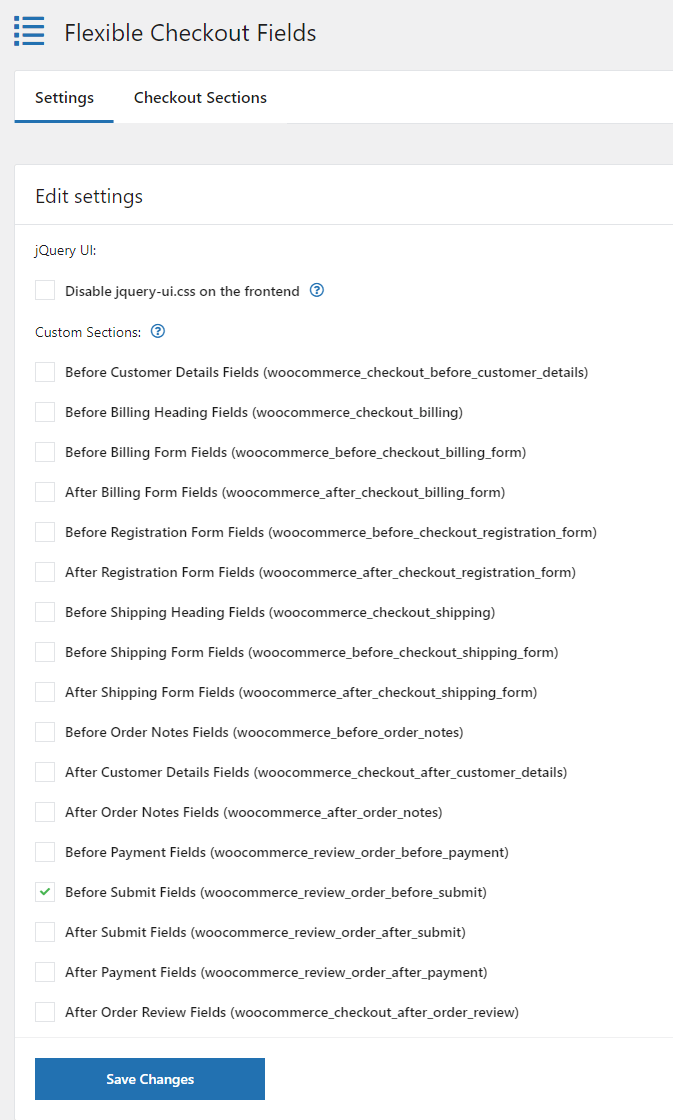
Mark the Before Submit Fields section to include the WooCommerce terms and conditions checkbox 👉🏽 After saving, you should see a new tab - in my case Before Submit.
-
Add the terms and conditions checkbox to make WooCommerce GDPR compliant
Click on the new section and add a new field. You have to complete some information about it.
First, in Field Type select Checkbox, next on Label add the text you want to add to your checkbox (you can use HTML), and finally input the Name of your field.
When you complete it all, click on Add Field to proceed.
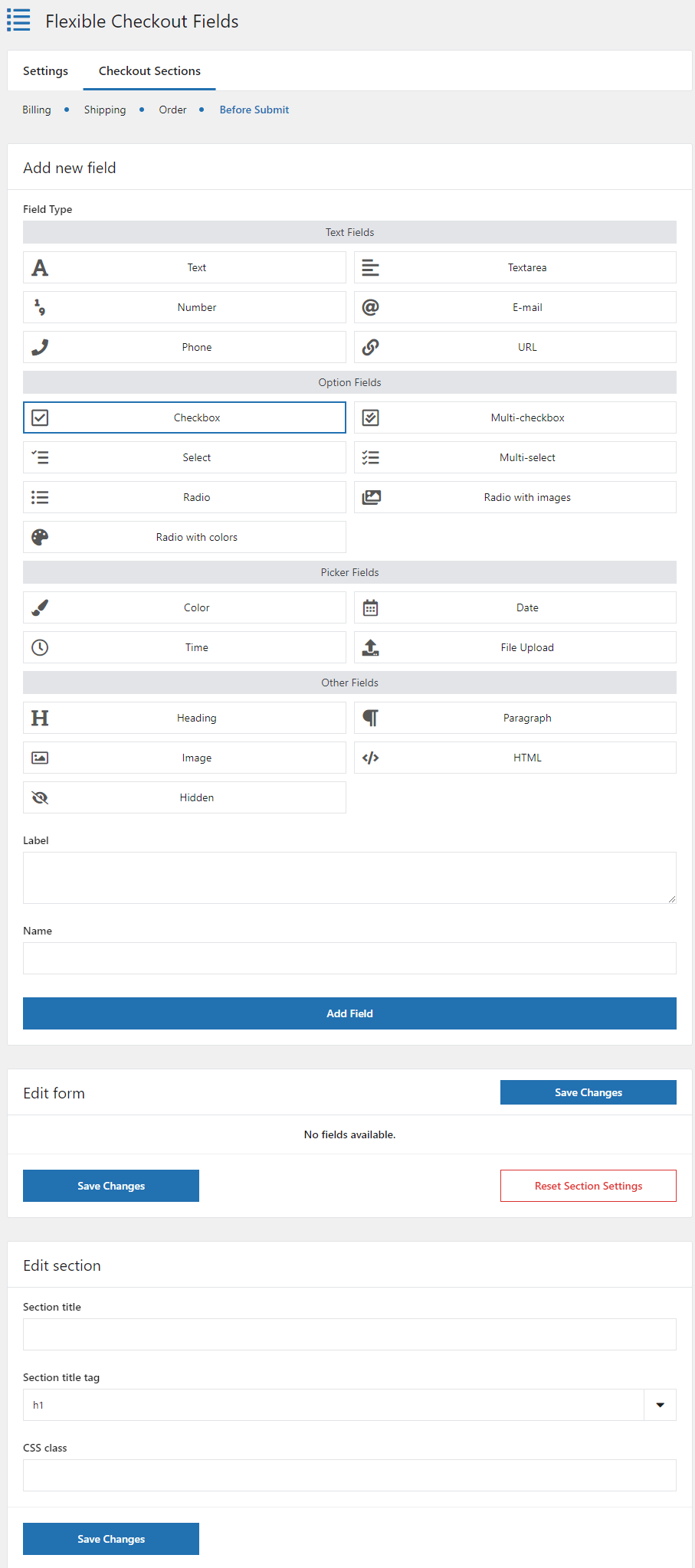
This is how you add e.g. the WooCommerce checkout privacy policy checkbox -
Edit WooCommerce checkout privacy policy checkbox
👉🏽 On the Edit Section in Section Field, you should see your new field. In the General settings select Required Field like in the screenshot below.
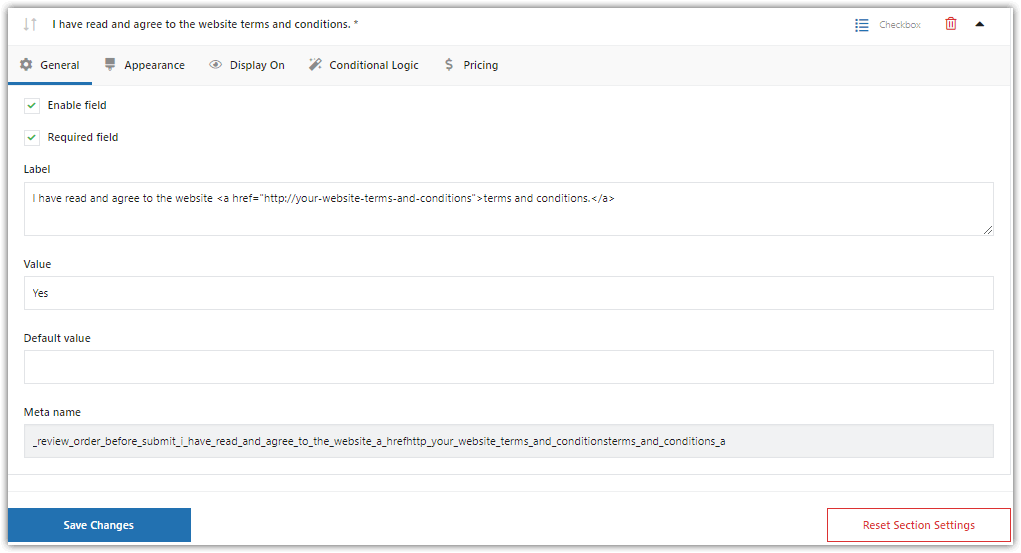
Select the terms and conditions checkbox field as required -
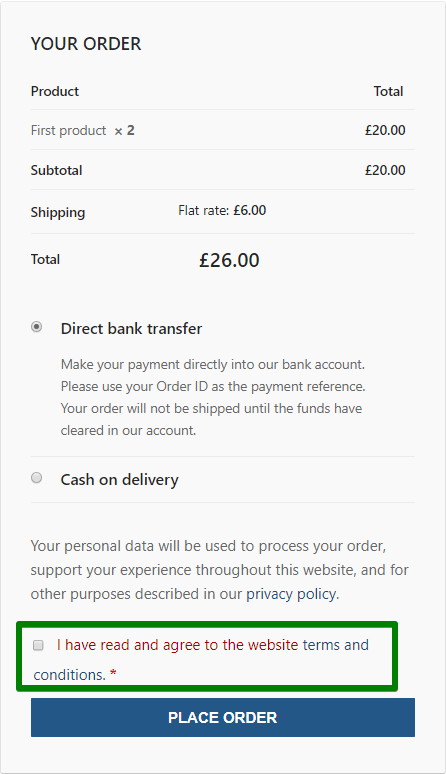
The terms and conditions checkbox in the WooCommerce checkout page
✅ Finally, click Save Changes to add GDPR consent to your WooCommerce store.
Now is the time to check how it looks.
WooCommerce terms and conditions checkbox final result In my case, it looks fine. Maybe need some visual improvements, but there is nothing that CSS won’t fix.
💡 If you don't know how to customize the WooCommerce checkout page with CSS, read this article where we explain it in a step-by-step guide.
Summary & more about the plugin
As you can see adding GDPR consent to the WooCommerce checkout page can be quite simple, especially when you use Flexible Checkout Fields. I hope that this article will help you adjust your store to GDPR requirements.
Also, read the plugin documentation ➡️
If you have any questions let us know.
FAQ
Does WooCommerce have a built-in terms and conditions checkbox?
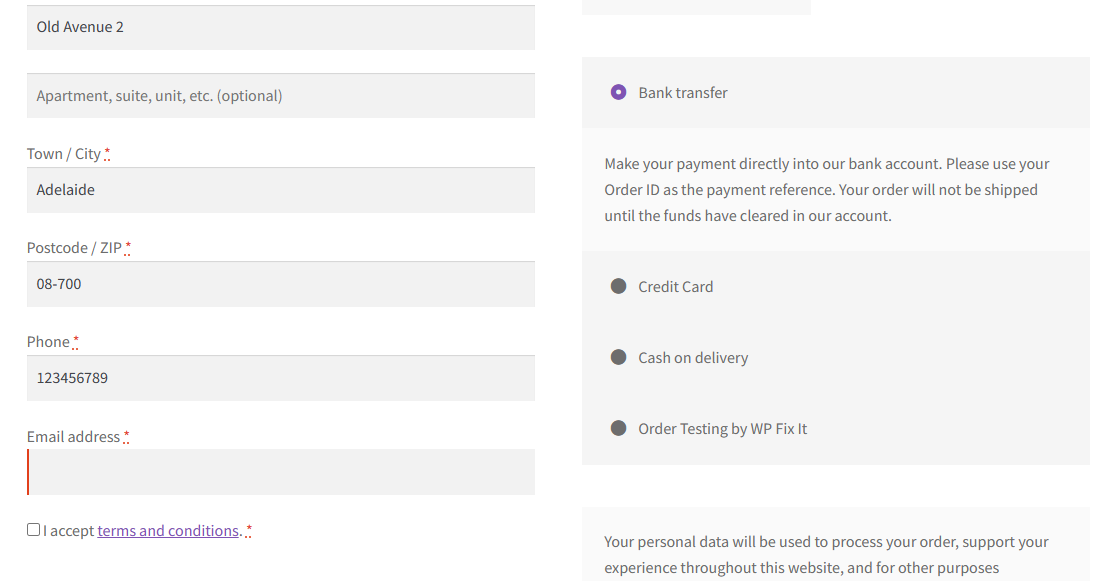
Yes, one. Assign a terms page in WooCommerce → Settings → Advanced → Page setup → Terms and conditions and the checkbox appears at checkout automatically. Flexible Checkout Fields is needed when you want a second checkbox, a different position in the form, or a consent saved to the order as a separate field.
Can I combine the terms, the privacy policy and marketing consent in one checkbox?
No. Marketing consent has to be separate, optional, and unticked by default. Bundling it with the terms makes that consent invalid, because a consent given as a condition of placing an order is not freely given. Add one required checkbox for the terms and a second optional one for marketing.
Should the privacy policy checkbox be required?
Processing the data needed to fulfil an order runs on the contract, not on consent, so a required privacy tick box is not the usual approach. Most stores show a visible link to the policy at checkout instead. If your legal team asks for a separate checkbox, add it as an optional field.
Where is the consent stored after the order is placed?
A field created with Flexible Checkout Fields is saved to the order, so you can see later what the customer agreed to and when. You can also display it in the My account page and in order emails through the Display On setting.
Can the checkbox appear below the payment methods?
Yes, with Flexible Checkout Fields PRO. The free version adds fields next to the standard checkout fields, while PRO lets you create custom sections, including Before Submit, which places the field directly above the Place order button.
Can I use HTML in the checkbox label?
Yes. The Label field accepts HTML, so you can link the terms page or the privacy policy directly inside the checkbox text instead of asking the customer to look for it elsewhere.
Does this work with the block checkout?
The classic checkout and the Cart and Checkout Blocks handle additional fields differently. Check which checkout your store uses before planning the setup, and test the field on the live checkout rather than on the settings screen alone.
What happens if the customer does not tick a required checkbox?
Checkout validation stops the order and shows an error naming the field. Test this before launch by placing a test order without ticking the box, then confirm that the value appears in the order details once the order goes through.







Leave a Reply