
Looking for ways to make your WooCommerce checkout faster, easier, and more effective? You're not alone. A lengthy or complicated checkout process is one of the biggest reasons customers abandon their carts. That’s where WooCommerce direct checkout comes in. By simplifying the steps between "Add to Cart" and "Place Order," you can speed up purchases, increase conversions, and improve your customers' overall shopping experience.
In this article, you’ll learn exactly what direct checkout means, why it’s worth implementing, and which plugins—both free and premium—can help you set it up in no time. We'll walk you through 8 solid plugin options (including our recommended Flexible Checkout Fields), explain their features, and show you how they can optimize your store's checkout process.
Contents
What is direct checkout and how can it help your WooCommerce store?
Direct checkout in WooCommerce is a process that skips unnecessary steps in the purchasing journey.
Instead of forcing users to go through the cart page, you can take them straight to the checkout.
This is especially useful for stores that sell simple or single products, or for those who want to reduce friction and improve conversions.
Direct checkout solutions come in various forms:
- Skipping the cart page entirely
- Enabling “Buy Now” buttons on product pages
- Pre-filling customer data
- Hiding or simplifying checkout fields
- Loading checkout in a pop-up or dedicated landing page
Whether you're running a small store or a high-volume WooCommerce site, adopting direct checkout can make a real difference in your sales funnel.
What are the benefits of WooCommerce direct checkout?
Switching to direct checkout brings several measurable benefits - especially when it comes to your bottom line.
Let’s explore the most important ones.
h3> benefits
-
Faster purchases
By skipping steps and reducing the number of clicks, direct checkout speeds up the entire buying process. The faster a user can complete a purchase, the lower the chance of cart abandonment.
-
Improved mobile experience
Mobile shoppers don’t have the patience for complicated forms or too many redirects. Direct checkout reduces friction, which is essential for mobile optimization.
-
Higher conversions
Studies show that simplifying checkout forms and skipping the cart step can significantly improve conversion rates - particularly in impulse-buy scenarios.
-
Better user experience
A smooth and intuitive checkout makes your store feel more professional and user-friendly, encouraging repeat purchases.
-
Reduced abandoned carts
Many customers drop off at the cart stage. Direct checkout lets you bypass that trap completely, helping you capture more completed transactions.
You may also check out the free plugin to rescue abandoned carts with email marketing.
5 best free WooCommerce plugins for direct checkout
Want to implement direct checkout for free? Good news - there are several great plugins that can help.
Here's a quick overview of the top options available in the WordPress plugin repository.
WooCommerce direct checkout free plugins list
-
Direct Checkout for WooCommerce
Main features:
- Skip cart page and go straight to checkout
- Remove unnecessary checkout fields
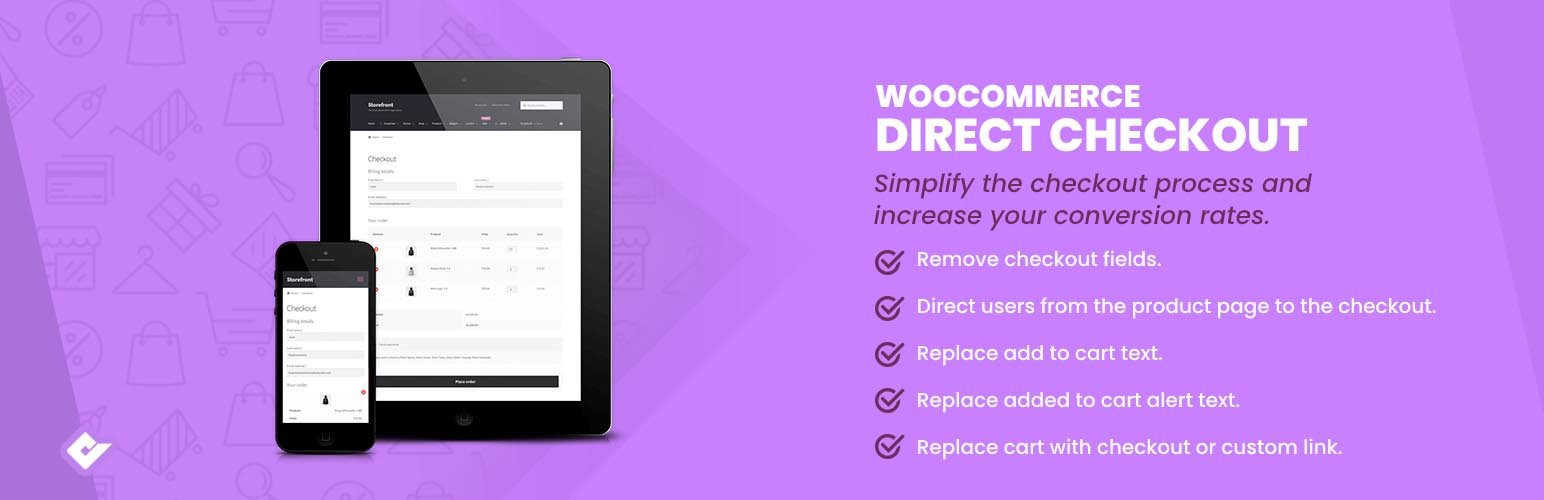
Direct Checkout for WooCommerce banner image
source: https://wordpress.org/plugins/woocommerce-direct-checkout/This plugin is perfect for stores looking to speed up the buying process with minimal configuration. It’s easy to set up and comes with built-in AJAX support to keep things smooth.
-
Sliding Cart for WooCommerce by FunnelKit – Skip Cart & Reach WooCommerce Checkout Faster
Main features:
- Show products in the styled slider
- Compatible with both simple and variable products
- Option to add upsells and cross-sells in the mini cart
- Custom styling options
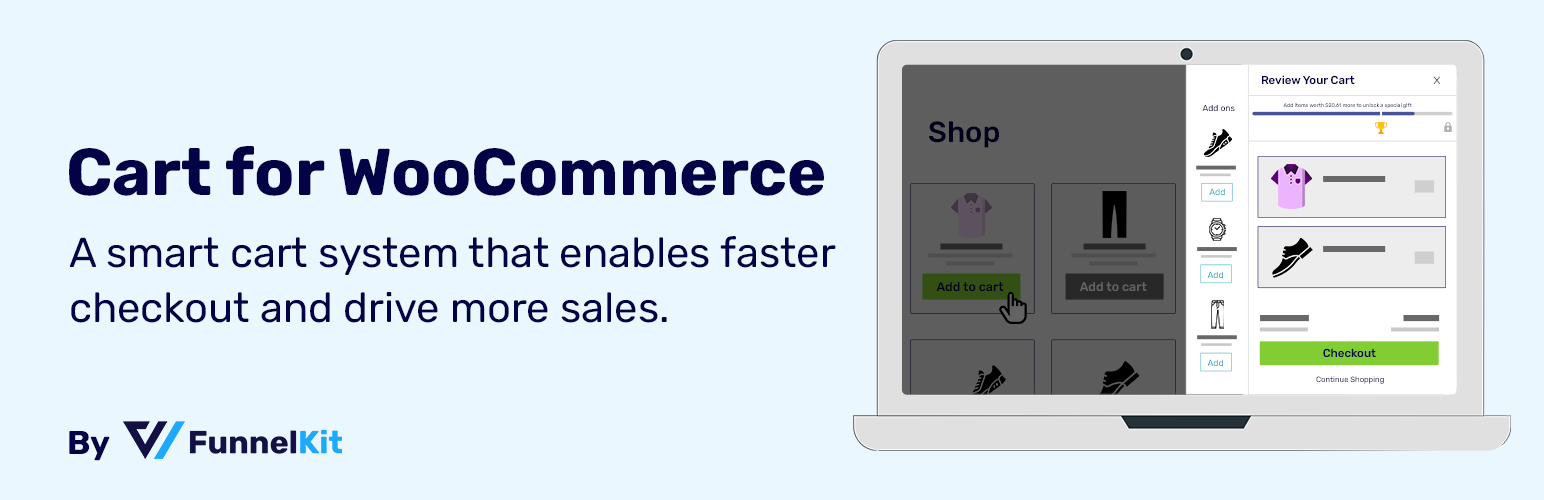
Sliding Cart for WooCommerce by FunnelKit – Skip Cart & Reach WooCommerce Checkout Faster banner image
source: https://wordpress.org/plugins/cart-for-woocommerce/This plugin skips the cart for users and shows products in the sliding cart instead.
-
Direct Checkout – Quick View – Buy Now For WooCommerce
Main features:
- Change and add “Buy Now” buttons (to any product)
- Redirect to checkout instantly
- Customize button styles
- Choose redirect page between cart and checkout

Direct Checkout – Quick View – Buy Now For WooCommerce banner image
source: https://wordpress.org/plugins/quick-view-and-buy-now-for-woocommerce/Ideal for stores that rely on impulse buying, this plugin allows quick actions that minimize delay between interest and purchase.
-
Checkout Field Editor (Checkout Manager) for WooCommerce
Main features:
- Customize, hide, or reorder checkout fields
- Reduce form complexity
- Many field types
- Compatible with classic and block-based checkout form
- Add conditional logic (in PRO version)
Checkout Field Editor (Checkout Manager) for WooCommerce banner image
source: https://wordpress.org/plugins/flexible-checkout-fields/While not a direct checkout plugin by definition, it plays a crucial role in simplifying the process. A cleaner checkout form means less frustration and more conversions.
-
Flexible Checkout Fields by WP Desk
Main features:
- Hide or remove unnecessary fields
- Rearrange checkout form layout
- Add custom fields (e.g. dropdowns, checkboxes)
- Style checkout fields
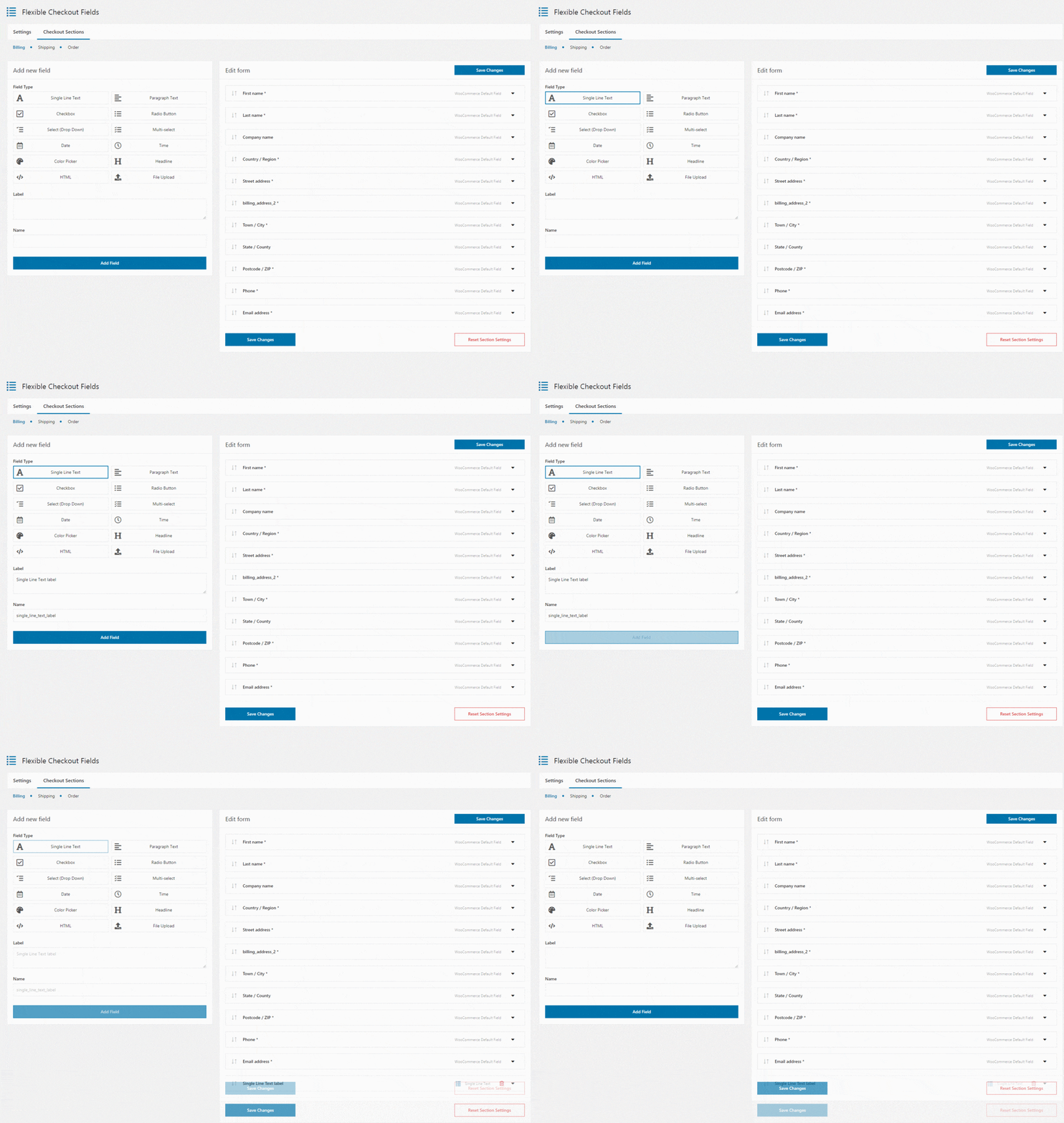
Flexible Checkout Fields - a free plugin - customizer settings for WooCommerce checkout page
source: https://wordpress.org/plugins/flexible-checkout-fields/Flexible Checkout Fields allows you to tailor your checkout page to your specific business needs.
Whether you’re collecting only essential customer data or adding additional fields for marketing purposes, this plugin makes the process easy.
It’s ideal for those who want full control over checkout without writing any code.
Want even more control? The PRO version adds conditional logic, field pricing, custom validations, and file uploads.
If you’re ready to invest in a smoother shopping experience, premium plugins offer even more flexibility and advanced features.
Here are three great options worth considering.
WooCommerce direct checkout paid plugins
-
WooCommerce One Page Checkout
Main features:
- Merge product selection and checkout on a single page
- Create custom landing pages with embedded checkout forms
- Offer products on one page
WooCommerce One Page Checkout banner image
source: https://woocommerce.com/products/woocommerce-one-page-checkout/This official WooCommerce plugin is ideal for special promotions, simple product lines, and direct response marketing. It turns your store into a seamless buying experience where customers never leave the product page.
How it improves checkout: It removes the typical multi-step process, combining everything on a single page to reduce bounce rates.
-
Flux Checkout for WooCommerce
Main features:
- Multi-step checkout optimized for mobile
- Beautiful, distraction-free interface
- Google address autocomplete and modern design
- Checkout design themes
- Address autocomplete
- Checkout add-ons
- Cross-selling
- Custom thank you page
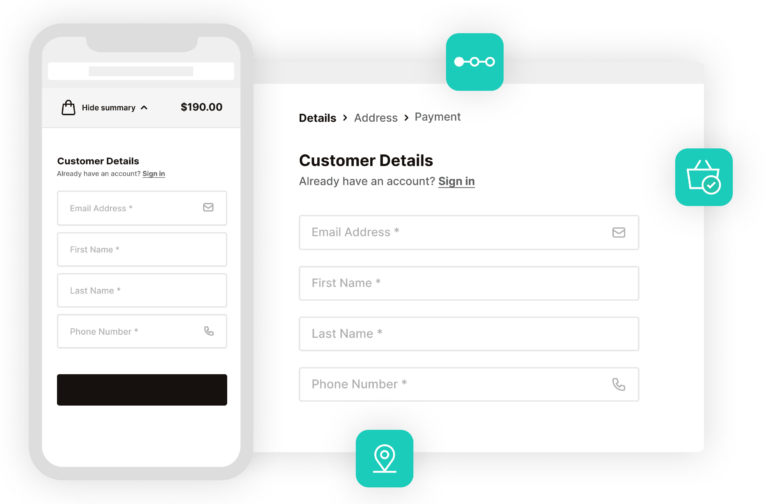
Flux Checkout for WooCommerce showcase image
source: https://iconicwp.com/products/flux-checkout-for-woocommerce/Flux Checkout isn’t just about speed - it’s about creating a better visual and functional experience.
Modern and mobile-friendly.
How it improves checkout: It reduces checkout friction and boosts trust with a clean, step-by-step layout optimized for conversions.
-
Direct Checkout for WooCommerce PRO
It's the pro version of this free plugin.
Main features:
All features from the free version plus:
- AJAX add to cart with redirect options
- Advanced button styling
- Skip cart per product, category, or user role
- Quick purchase and quick view buttons

Direct Checkout for WooCommerce showcase image
source: https://quadlayers.com/products/woocommerce-direct-checkout/This PRO version gives you total control over direct checkout behavior, especially useful for complex stores or those offering personalized products.
How it improves checkout: You can tailor the direct checkout flow to suit different customer segments or product types, for example, for product catalogs.
Why direct checkout is worth implementing today?
A streamlined checkout isn’t just a nice-to-have anymore - it’s a competitive advantage.
With online shoppers demanding fast, frictionless experiences, every step counts.
If you’re running a WooCommerce store, direct checkout plugins can help you remove obstacles, boost conversions, and build a better shopping experience.
Direct checkout tips
Here’s what to keep in mind:
Not all stores need the same level of customization. Try a free plugin first.
Direct checkout doesn’t mean sacrificing data collection—you can still use plugins like Flexible Checkout Fields to gather essential info.
A clean checkout page builds trust. Test your setup regularly to ensure it works on all devices.
And remember: every second you save in the checkout process could mean one more customer completing their order.
Summary
Direct checkout skips unnecessary steps like the cart page to speed up the purchase process.
It improves conversion rates, especially on mobile devices or with impulse buyers.
Use free plugins like Direct Checkout by QuadLayers or Flexible Checkout Fields by WP Desk to simplify the checkout.
Premium tools like Flux Checkout or One Page Checkout offer more flexibility and advanced UX.
Choose plugins based on your store’s size, product type, and customer behavior.
Looking to test direct checkout today? Start with Flexible Checkout Fields to tailor your form and build a smoother experience without coding.


Leave a Reply